 Show my Password
Typed the password wrong again? See what you type in every password field, and keep your passwords in a private encrypted vault.
See what you type
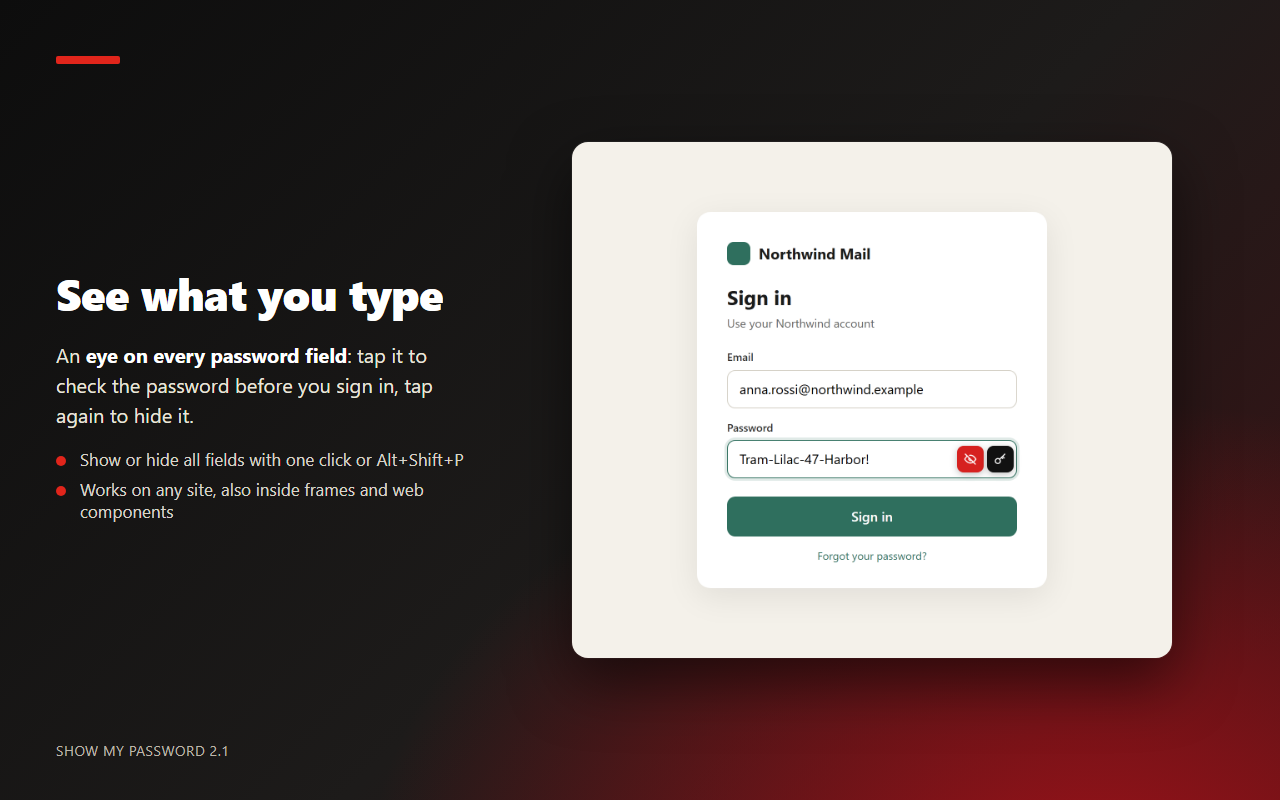
- An eye button on every password field: tap it to show the password, tap again to hide it.
- Works inside frames and in modern web components (Shadow DOM).
- Show or hide every password on the page at once from the toolbar panel, the right-click menu or Alt+Shift+P. Ctrl+Shift+L opens the panel.
- Don't want the buttons on the fields? Turn them off in Settings.
A private password manager (optional)
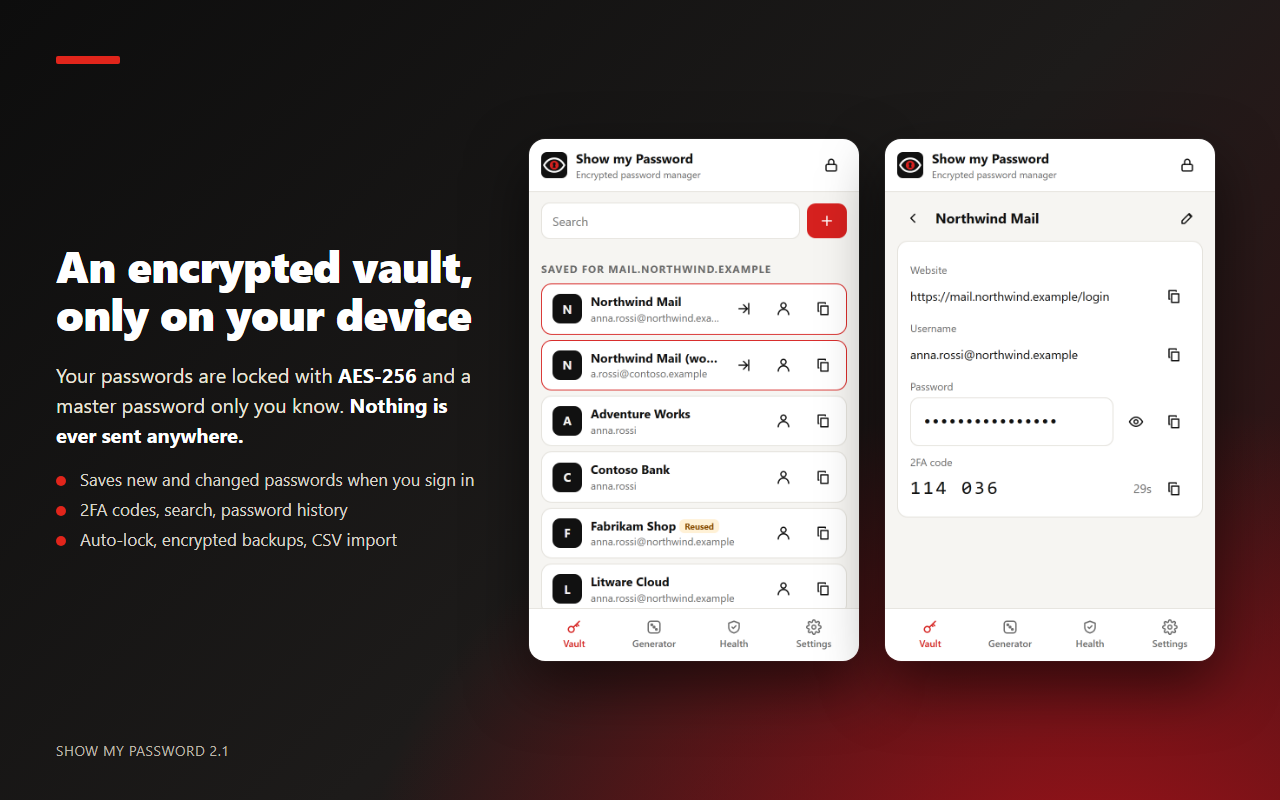
- Encrypted vault on your device: AES-256-GCM, with the key derived from your master password with PBKDF2-SHA256 (600,000 iterations). The master password is never stored.
- No account, no server, no sync, no tracking: nothing ever leaves your device.
- Offers to save new or changed passwords when you sign in, with “Not now” and “Never for this site”.
- 2FA codes (TOTP), search, notes and the previous passwords of each login.
- Auto-lock after 1, 5, 15 (default), 30, 60 or 240 minutes of inactivity, or only when the browser closes.
- Import a CSV exported from Firefox, Chrome, Edge, Bitwarden, 1Password or KeePass. Encrypted backups that you can restore on another device, and CSV export.
- The vault is optional: if you never create it, Show my Password only shows and generates passwords.
Autofill only on the right site
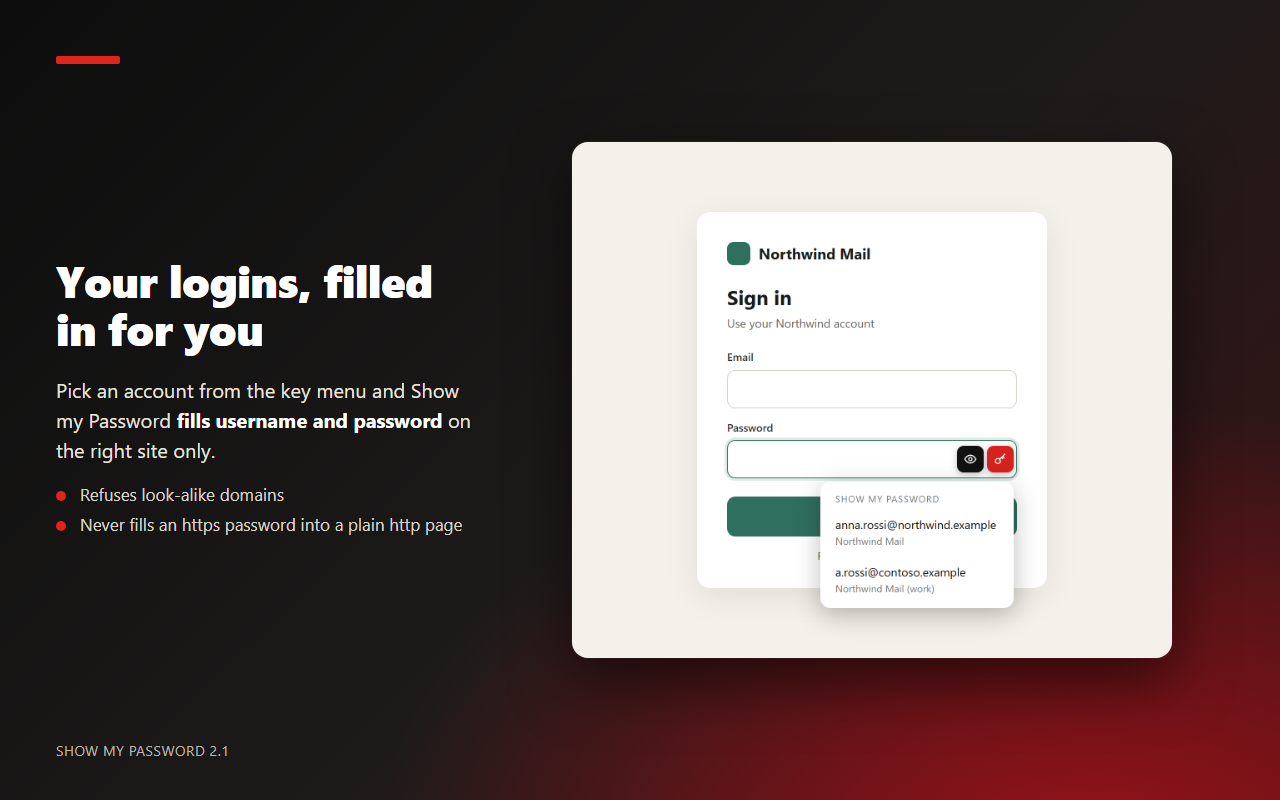
- Pick an account from the key button next to the password field, and Show my Password fills the username and the password.
- A login is offered only on the site it was saved for (or its subdomains), so a look-alike domain gets nothing.
- A password saved for an
httpssite is never filled into a plainhttppage, and unencrypted pages show a warning.
New in 2.1.2: no more “locked” pop-ups
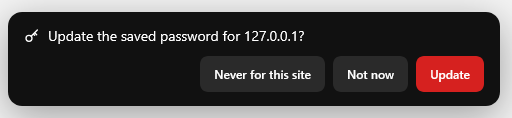
- When the vault is locked, login pages no longer show a message. A password to save is kept quietly and the toolbar button shows a small red badge: open it, unlock, and the save offer is there.
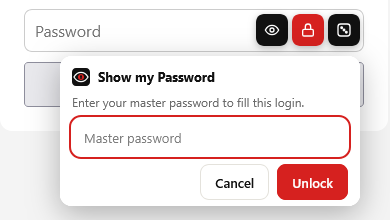
- Unlock right in the field: click the lock next to a password field and type your master password there, then pick the account to fill. The box is a page of the add-on, so the website never sees what you type.
- A login captured while locked is checked again after unlocking: an existing account becomes an update, an identical one is not offered again.
Strong passwords and a health check
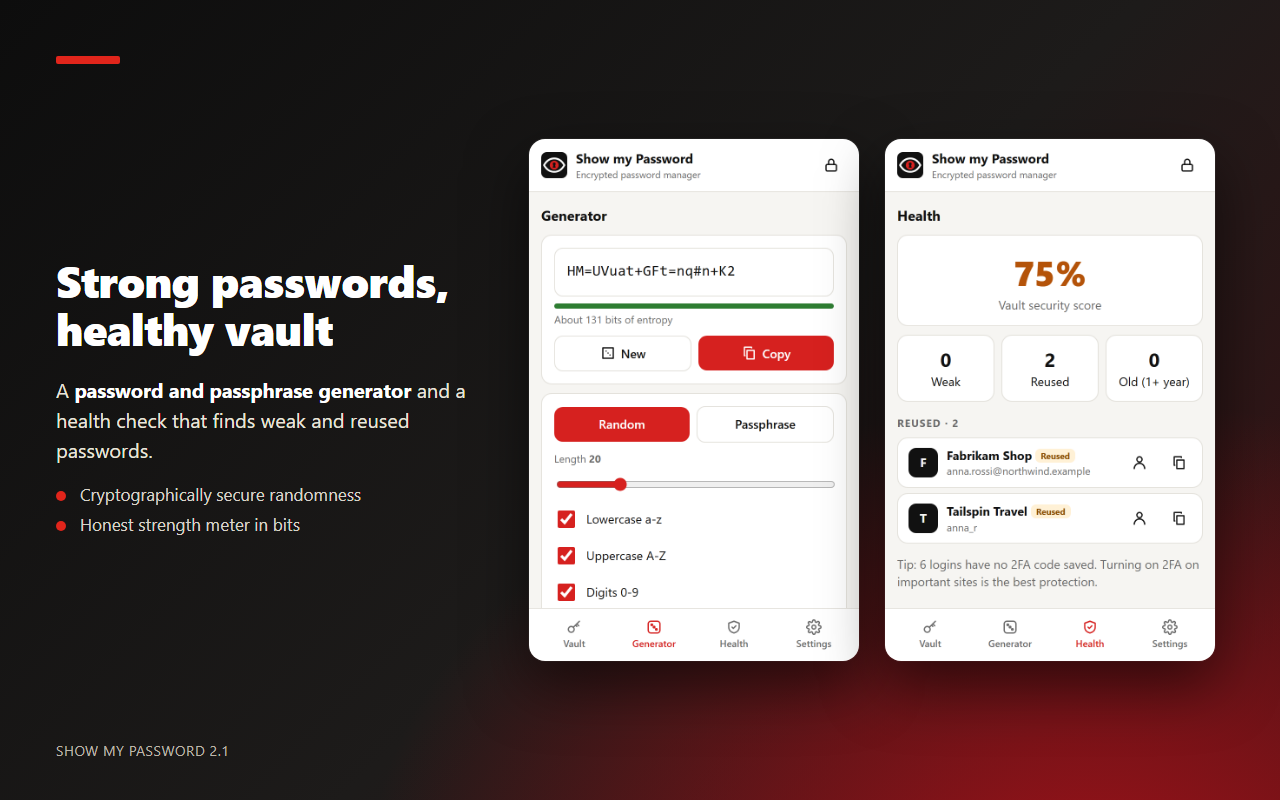
- Password generator: 8 to 64 characters, choose lowercase, uppercase, digits and symbols, and avoid look-alike characters (l 1 O 0). Or a passphrase of 3 to 10 words.
- Strength shown in bits of entropy. Copy the password, or put it straight into the field with the dice button or the right-click menu.
- Health check: a security score for the vault, with weak, reused and old (1+ year) passwords, and a tip for logins without a 2FA code.
Firefox for Android
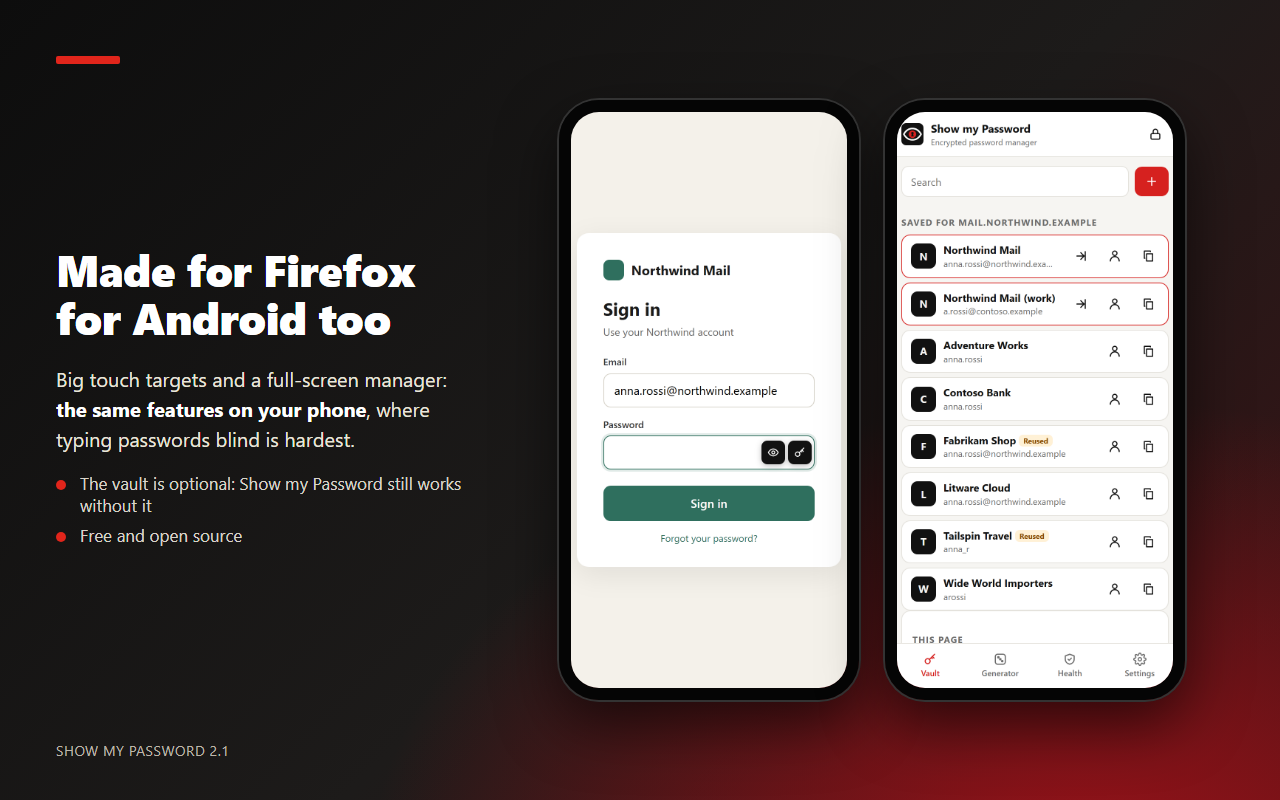
On a phone it is easy to mistype a password you cannot see. The buttons on the fields and the full-screen manager are designed for touch screens. Open the panel from ⋮ → Extensions → Show my Password. The right-click menu is desktop only.
Permissions
| Permission | Why |
|---|---|
| Access your data for all websites | Add the buttons to the password fields of the pages you open, fill the login you pick and offer to save the one you type. |
| storage | The encrypted vault and your settings. While the vault is unlocked, its key is kept only in memory and is gone when the browser closes. |
| alarms | Lock the vault automatically after the time you choose. |
| contextMenus | The right-click menu: show or hide the passwords, insert a strong password. |
Nothing leaves your device: see Privacy.
Source code
Plain, unminified JavaScript with no build step and no third-party libraries. The encryption uses the browser's own Web Crypto. Interface in English and Italian. Get the source code from the downloads.